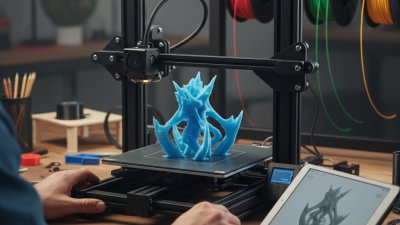
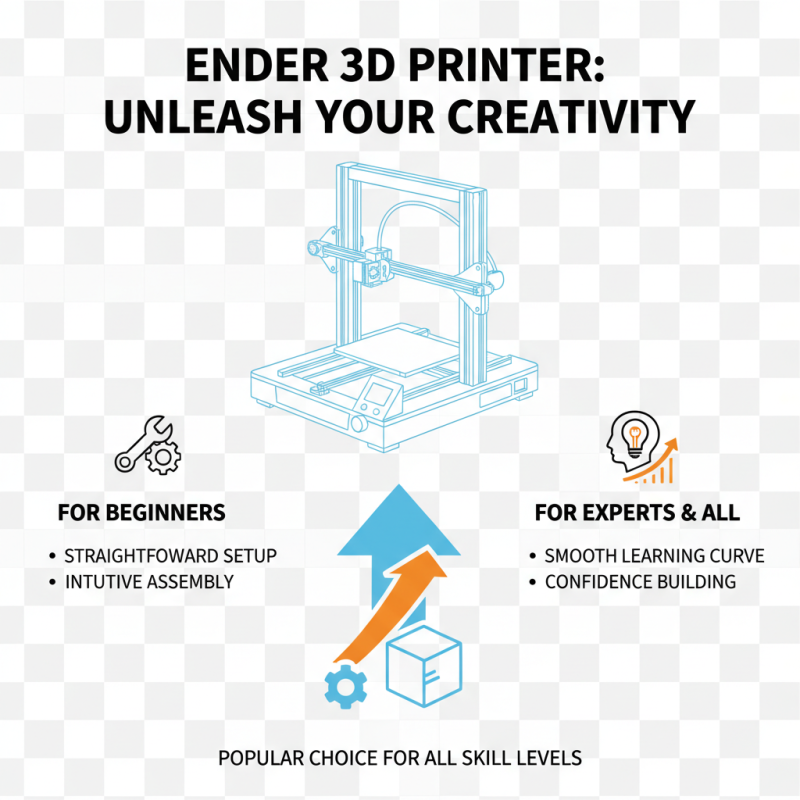
The Creality Ender 3D Printer has become a favorite among hobbyists and professionals alike. Many users appreciate its affordability and reliability. This printer offers great features that appeal to both beginners and experienced users.
It’s easy to see why the Creality Ender 3D Printer is so popular. The setup process is straightforward, and the print quality is impressive. Users can create intricate designs with precision. However, some may face challenges with the initial calibration. It’s essential to invest time for perfect results.
In the world of 3D printing, the Creality Ender 3D Printer stands out. It offers versatility at a competitive price. Nevertheless, some aspects may require improvement, such as user support. As with any product, reflection on the experience helps users maximize its potential.
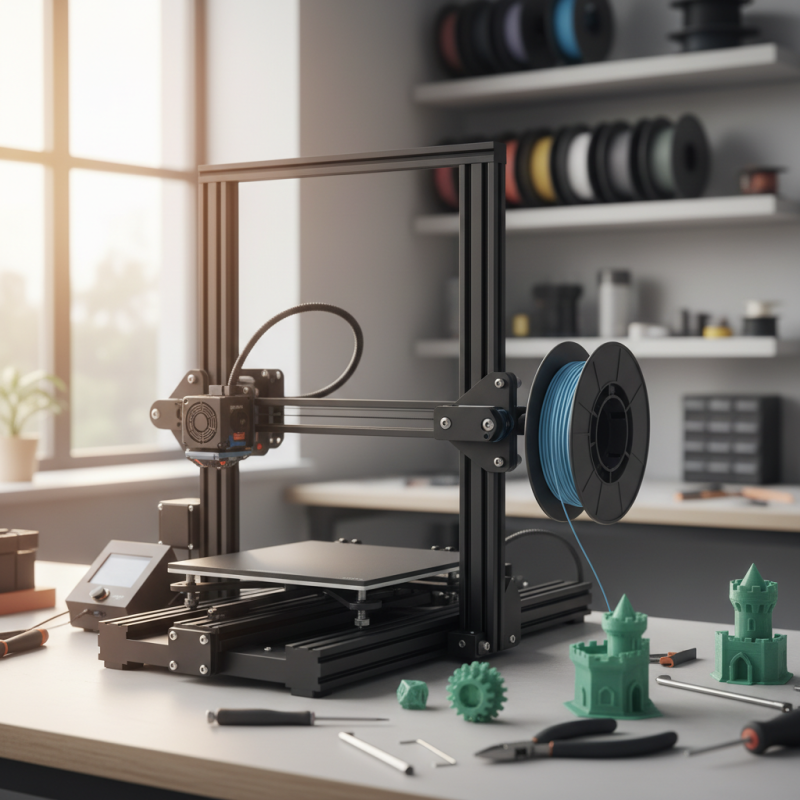
The Creality Ender 3D printer is an entry-level machine that has gained immense popularity among enthusiasts and newcomers. It features a build volume of 220 x 220 x 250 mm, making it suitable for various projects. The printer is known for its affordability and ease of assembly. Many users can put it together in under two hours. According to industry reports, nearly 74% of users rate their first printing experience positively.
This model supports multiple filament types, such as PLA and ABS, offering versatility for different applications. However, achieving optimal results often requires adjustments. Users may need to calibrate the bed leveling or tweak the temperature settings. Research indicates that around 30% of first-time users face challenges with print adhesion. This highlights the learning curve involved with 3D printing technology. While the machine is generally reliable, regular maintenance is essential to prevent issues.
Community support plays a significant role in its popularity. There are numerous online forums and social media groups where users share tips and modifications. This collaborative environment fosters improvement and innovation. Nonetheless, not every modification yields positive results. Some changes might complicate the printing process instead of enhancing it. Users must engage critically with modifications and learn from their experiences.
The Creality Ender 3D printer stands out in the 3D printing community for its notable features. One of its key highlights is its user-friendly design. It's easy for beginners to start printing right away. The assembly process is straightforward, often taking just a couple of hours. However, some users find the instructions vague. This can lead to confusion during setup.
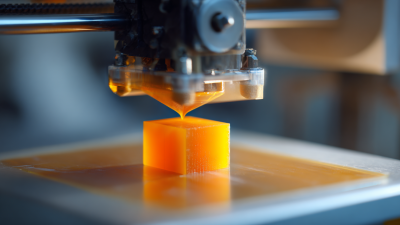
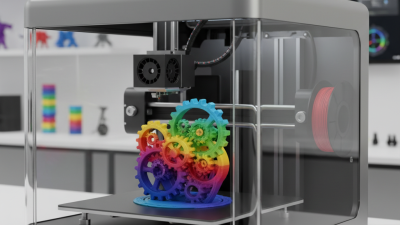
Another interesting feature is its print quality. The printer produces detailed models with good layer adhesion and accuracy. Many users appreciate the design flexibility, allowing for the creation of various items, from prototypes to unique gifts. Yet, the print bed requires careful leveling. Not getting this right can affect print results significantly. Some users have reported uneven surfaces, which can be frustrating.
The price point is attractive for many hobbyists. It's budget-friendly, making 3D printing accessible. However, some may argue that the materials included are of lower quality. For serious projects, upgrading components might be necessary. Overall, while the Ender 3 has its drawbacks, its key features keep enthusiasts engaged and excited about 3D printing.
The Ender 3D printer is a popular choice among enthusiasts. It caters to both beginners and experts alike. For those new to 3D printing, it offers a straightforward setup process. The assembly is intuitive and does not require advanced skills. Users can enjoy a smooth learning curve, which helps build confidence.
Experts appreciate the Ender 3 for its reliability and customizability. It provides a solid platform for advanced projects. The printer's open design allows for upgrades. This flexibility can enhance performance, but it also comes with a caveat: modifications may introduce complications.
For beginners, the cost-effectiveness of the Ender 3 is a significant advantage. However, some users may struggle with print quality initially. Issues like bed adhesion can be challenging. Proper calibration requires patience and practice. This learning process is essential for overcoming hurdles in 3D printing.
The Ender 3 has gained remarkable popularity in the 3D printing community. One reason is its affordability. Many enthusiasts find it a perfect entry-level printer. The balance of price and performance attracts hobbyists and professionals alike.
Another key factor is the vibrant online community. Users share tips, designs, and modifications. This support network helps newcomers overcome challenges. However, not everything is perfect. Some users report assembly issues. They may struggle with calibration and initial prints. This can be frustrating, but it encourages learning and improvement.
Customization is a big draw too. Many upgrade components or enhance their setups. This flexibility allows users to create unique printers tailored to personal needs. Yet, not all modifications yield positive results. Some may lead to further complications. Still, the journey of refining one's machine adds to the joy of 3D printing.
When exploring 3D printers in the same category, many users find differences in performance and affordability. Some printers, like the one in question, have gained popularity for offering solid features at a reasonable price. Many enthusiasts appreciate its ease of use and reliable print quality. Users often highlight the community support surrounding these devices, making troubleshooting easier.
However, not every printer in this range performs equally. Several models struggle with consistency. They may require more frequent calibration. This can be a frustrating experience for beginners. Some users also report issues with build quality. In contrast, the popular model often boasts a sturdy frame and stable printing platform. These features contribute to its reputation for reliability and precision.
While it excels in many areas, it’s essential to recognize its limitations. For example, some consumers have noted that the initial setup process can be tricky. Others have found that complex prints sometimes lead to failures. It's clear that while this printer is a popular choice, it's not without its challenges. Each user's experience can vary, depending on their expectations and prior knowledge.
| Feature | Creality Ender 3 | Competitor A | Competitor B | Competitor C |
|---|---|---|---|---|
| Price | $199 | $249 | $299 | $220 |
| Build Volume | 220 x 220 x 250 mm | 200 x 200 x 200 mm | 300 x 300 x 400 mm | 220 x 220 x 250 mm |
| Print Speed | 180 mm/s | 100 mm/s | 60 mm/s | 80 mm/s |
| Layer Resolution | 0.1 - 0.4 mm | 0.05 - 0.3 mm | 0.1 - 0.5 mm | 0.1 - 0.3 mm |
| Material Compatibility | PLA, ABS, TPU | PLA, PETG | PLA, ABS, Nylon | PLA, ABS |
| User Rating | 4.7/5 | 4.3/5 | 4.2/5 | 4.5/5 |