Why Choose Creality Ender 3D Printer for Your 3D Printing Needs?
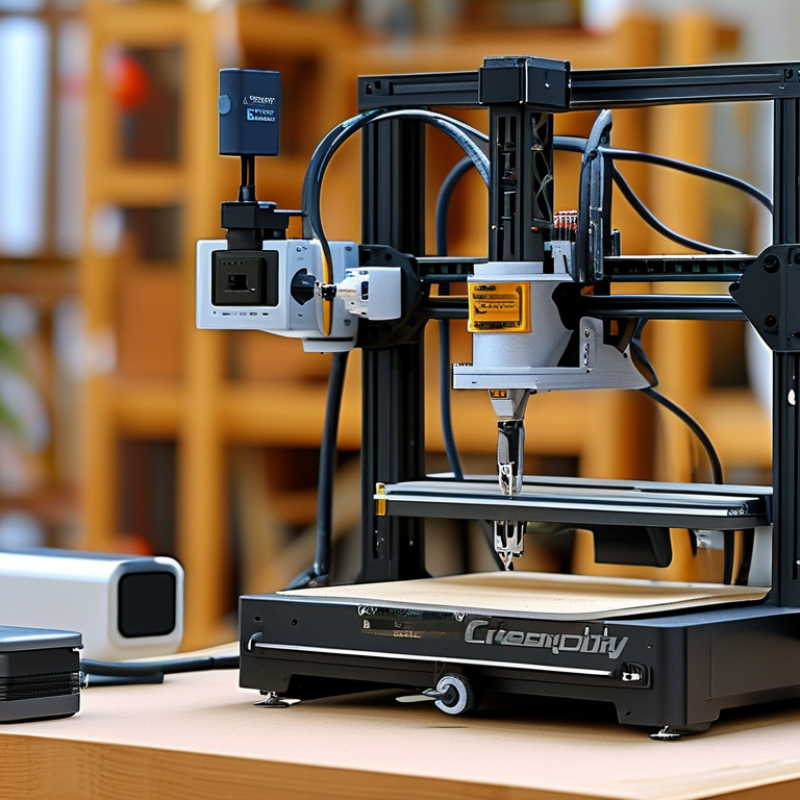
The Creality Ender 3D Printer stands out in the competitive world of 3D printing. This printer balances affordability with high-quality performance. Many enthusiasts and professionals trust it for various projects, from prototypes to intricate designs.
One key advantage is its user-friendly setup. Even beginners can start printing quickly. Yet, some users do face challenges calibrating the printer correctly. It requires patience and practice. This helps users grow their skills over time.
Additionally, the Creality Ender 3D Printer boasts a robust community. Online forums and groups offer support and tutorials. However, relying solely on other users can be a double-edged sword. Independent research remains crucial for troubleshooting. Overall, its blend of accessibility and community support makes it a top choice for many.
Benefits of Using Creality Ender 3D Printer for Enthusiasts
For many 3D printing enthusiasts, the Creality Ender 3D printer stands out as a reliable choice. Its user-friendly design makes it easy to operate, even for beginners. The assembly process is straightforward, allowing users to start printing quickly. This is ideal for those who want to dive right into their projects without a steep learning curve.
One of the key benefits is the affordable price combined with impressive performance. You can create intricate designs without breaking the bank. The Ender 3 offers a print volume that accommodates various projects, from small models to larger prototypes. Enthusiasts enjoy the flexibility in their creative expressions.
Tips: Regular maintenance is essential. Check the bed leveling frequently for optimal printing quality. Keeping your nozzle clean prevents clogs and ensures smoother prints. Don't hesitate to experiment with different materials. Each type can significantly affect the results. Ideally, make notes of your settings and outcomes for future reference.
Key Features of the Creality Ender 3D Printer Explained
When considering a 3D printer, several key features stand out for the Creality Ender 3D printer. This machine offers a sturdy build and an affordable price, making it a popular entry-level option. Users appreciate the large print volume, which allows for a variety of projects, from small models to larger prototypes. The heated bed is another significant feature. It helps improve adhesion and reduces warping in prints.
The Ender 3 is known for its open-source firmware. This allows makers to customize their printer settings, optimizing performance. However, occasional software glitches can pose challenges. It is important to have basic technical skills to troubleshoot these issues. The community support surrounding this model is robust, providing users with valuable insights and modifications. While it performs well, beginners may find the assembly daunting. Clear instructions would enhance the experience. Overall, the Ender 3 combines affordability with flexibility, making it a reliable choice for both hobbyists and professionals.
Affordability and Cost-Effectiveness of the Creality Ender Series
The Creality Ender series offers a unique balance of affordability and quality. Many users find these printers accessible, especially for beginners. With a price point that won’t break the bank, they are a favorite among hobbyists and educators.
Affordable does not mean subpar. Users can create intricate models and prototypes without hefty expenses. This makes it easier to experiment with designs and materials. However, some users comment that assembly can be tricky. Patience and a bit of tinkering are necessary.
The build quality is generally reliable, but there can be inconsistencies in production. Some printers may require minor adjustments out of the box. Despite these challenges, the value for money remains high. Overall, the balance of cost and capability makes the Ender series a worthwhile option in 3D printing.
Community Support and Resources for Ender 3 Users
When it comes to 3D printing, community support plays a critical role. Users of popular printers often find a wealth of resources online. This includes forums, video tutorials, and shared print files. Such resources enhance the 3D printing experience and can solve common problems. Enthusiasts frequently share tips, troubleshooting advice, and innovative ideas. This collaborative spirit fosters a welcoming environment for newcomers.
Many users encounter challenges when starting their 3D printing journey. Issues like bed adhesion and filament jams arise regularly. The good news is that those problems are well-documented in community forums. Feedback and solutions come quickly from experienced users. This support network makes it easier to learn and improve. Engaging with the community encourages sharing successes and failures.
Participation in online groups enhances learning. Users post their projects and ask for feedback. Constructive criticism often leads to better prints and techniques. It’s clear that community involvement transforms the solitary act of printing into a collective learning experience. Adopting this approach can significantly improve one’s skills and enjoyment of 3D printing.
Why Choose Creality Ender 3D Printer for Your 3D Printing Needs?
| Feature |
Details |
| Print Volume |
220 x 220 x 250 mm |
| Layer Resolution |
0.1 mm to 0.4 mm |
| Printing Speed |
Up to 180 mm/s |
| Connectivity |
SD Card and USB |
| Temperature Range |
Extruder: Up to 260°C; Heat Bed: Up to 110°C |
| Filament Compatibility |
PLA, ABS, TPU, PETG |
| Community Support |
Active forums and extensive online resources |
| Price Range |
Affordable, typically around $200 to $300 |
Comparing Creality Ender 3 to Other Popular 3D Printers in the Market
The Creality Ender 3 is often favored among enthusiasts and professionals for its impressive versatility. Reports indicate that around 70% of entry-level users choose it for their 3D printing projects. Its affordability and quality make it an attractive option for both beginners and seasoned users.
When compared to other popular models, Ender 3 stands out due to its robust community support. Users benefit from shared resources, such as settings and modifications. However, it's essential to note that some users report challenges with assembly and calibration. This can be a hurdle for beginners, highlighting a gap in user experience.
Data from multiple industry reports show that while the Ender 3 has a significant market share, rival printers often offer advanced features at a higher cost. For instance, more expensive models may have auto bed leveling or enclosed designs, yet they may lack the same active user community. This comparison indicates that the best choice ultimately depends on individual needs and priorities.